Linear Bot
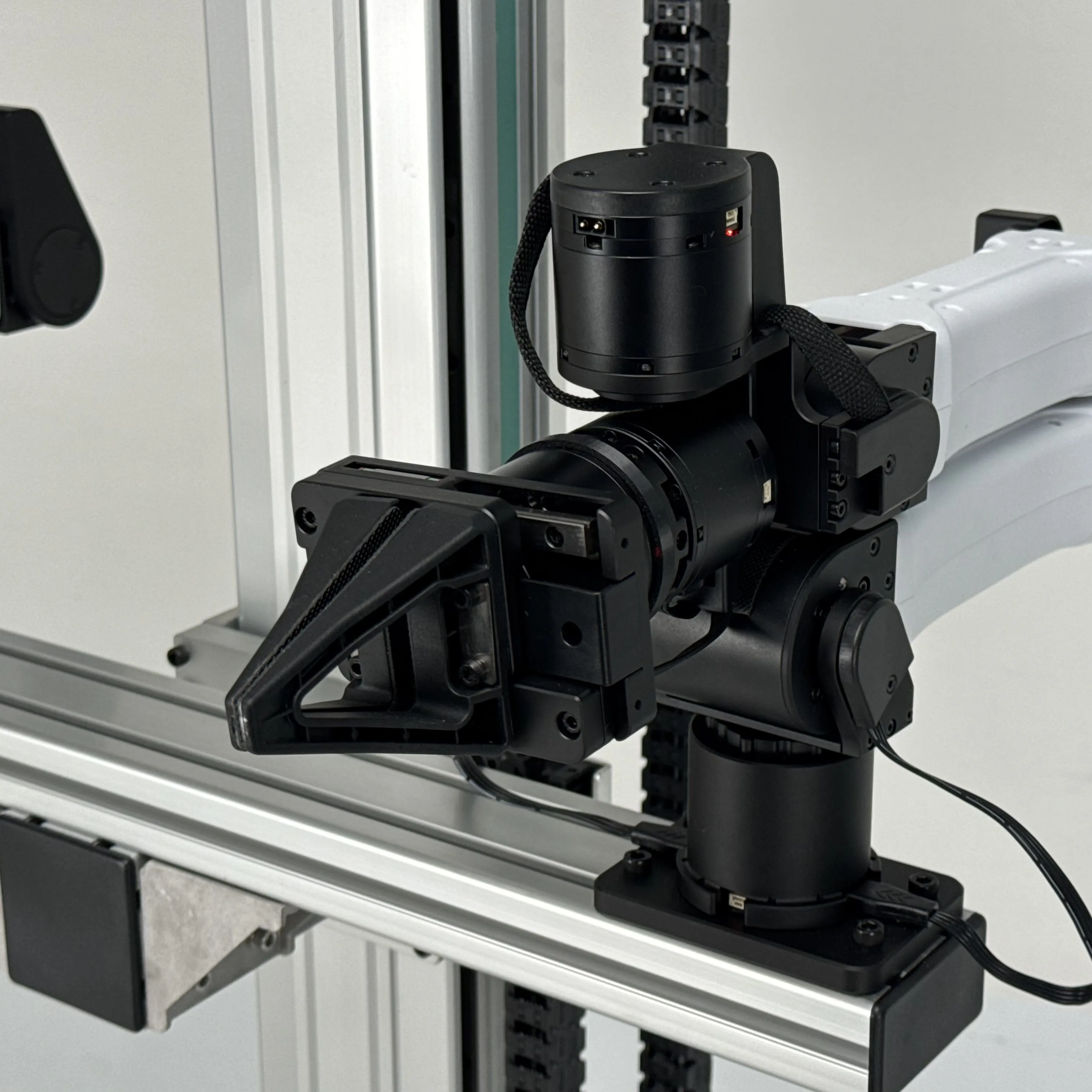
Linear Bot is the Flow Base combined with a vertical linear rail actuator. The linear rail adds a height axis to the omnidirectional base, enabling the mounted YAM arm to reach objects at varying heights — from floor-level to shelf-height — without repositioning.
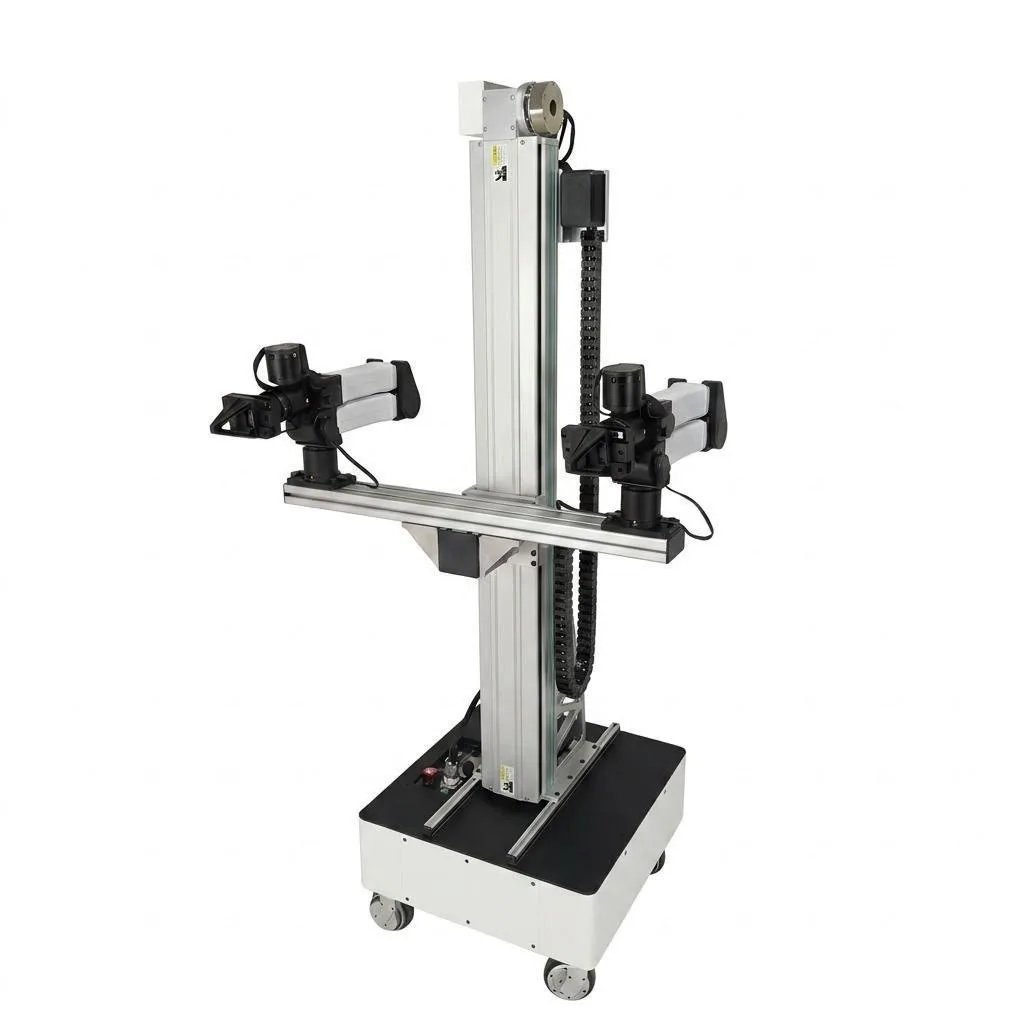
System Architecture
┌─────────────────────────┐
│   YAM Arm               │  ← 6-DOF manipulation
├─────────────────────────┤
│   Linear Rail           │  ← Vertical axis (Z height)
├─────────────────────────┤
│   Flow Base             │  ← XY + rotation (holonomic)
└─────────────────────────┘
The three subsystems are controlled together through a unified Python API, giving the robot 9 degrees of freedom (6-DOF arm + 3-DOF mobile base including linear rail).
Key Features
- Vertical height axis — linear rail extends and retracts under API or remote control
- Limit switches — hardware safety stops at both rail ends; auto-home on initialization
- Brake management — brake automatically released on init, engaged on shutdown
- Integrated API — 4D base velocity commands
[x, y, θ, rail_vel] - Safety timeouts — both base and rail stop after 0.25 s without a heartbeat
Specifications
| Parameter | Value |
|---|---|
| Mobile base | Flow Base (holonomic) |
| Vertical actuator | Linear rail with DM-series motor |
| Arm (typical) | YAM or YAM Pro |
| Total DOF (arm + base + rail) | 9 |
| Rail control | Velocity [m/s] |
| Rail velocity timeout | 0.25 s |
| Rail home | Lower limit (on init) |
Photos & Videos
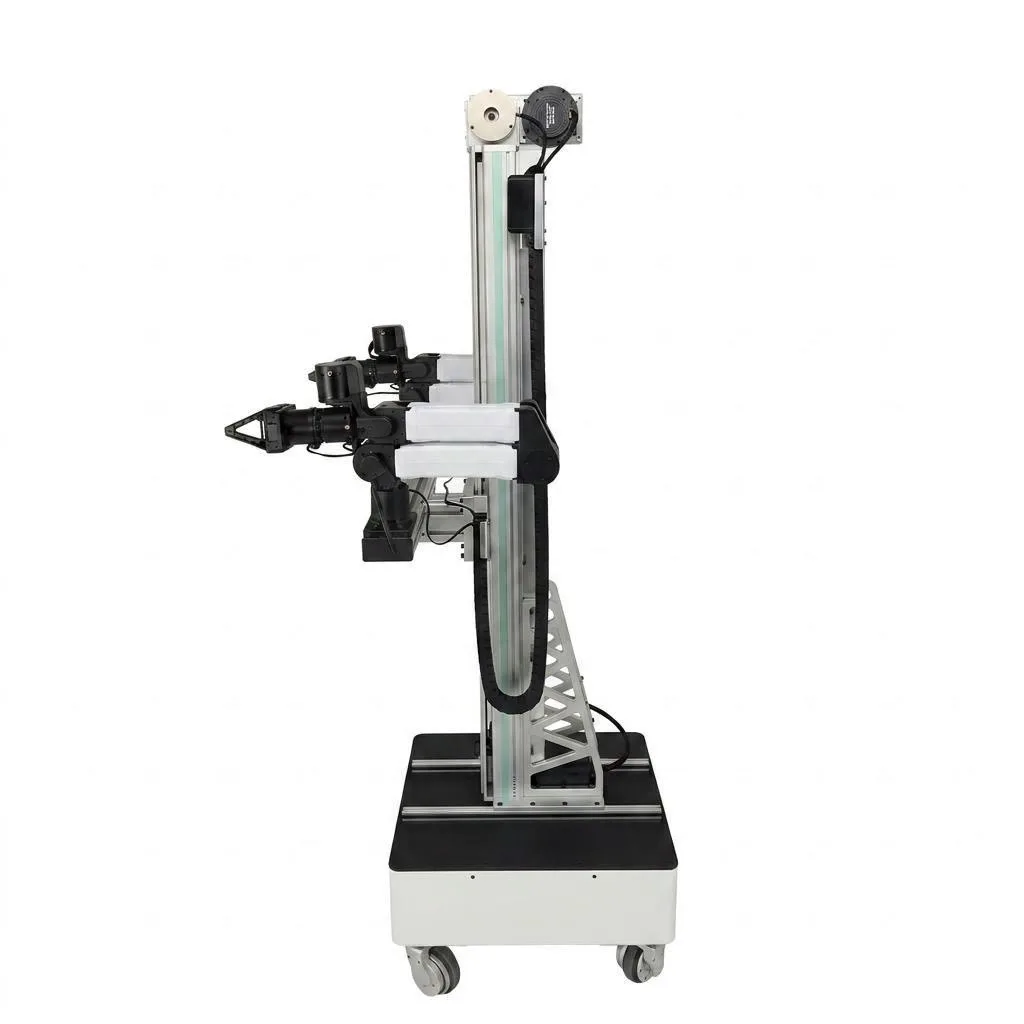
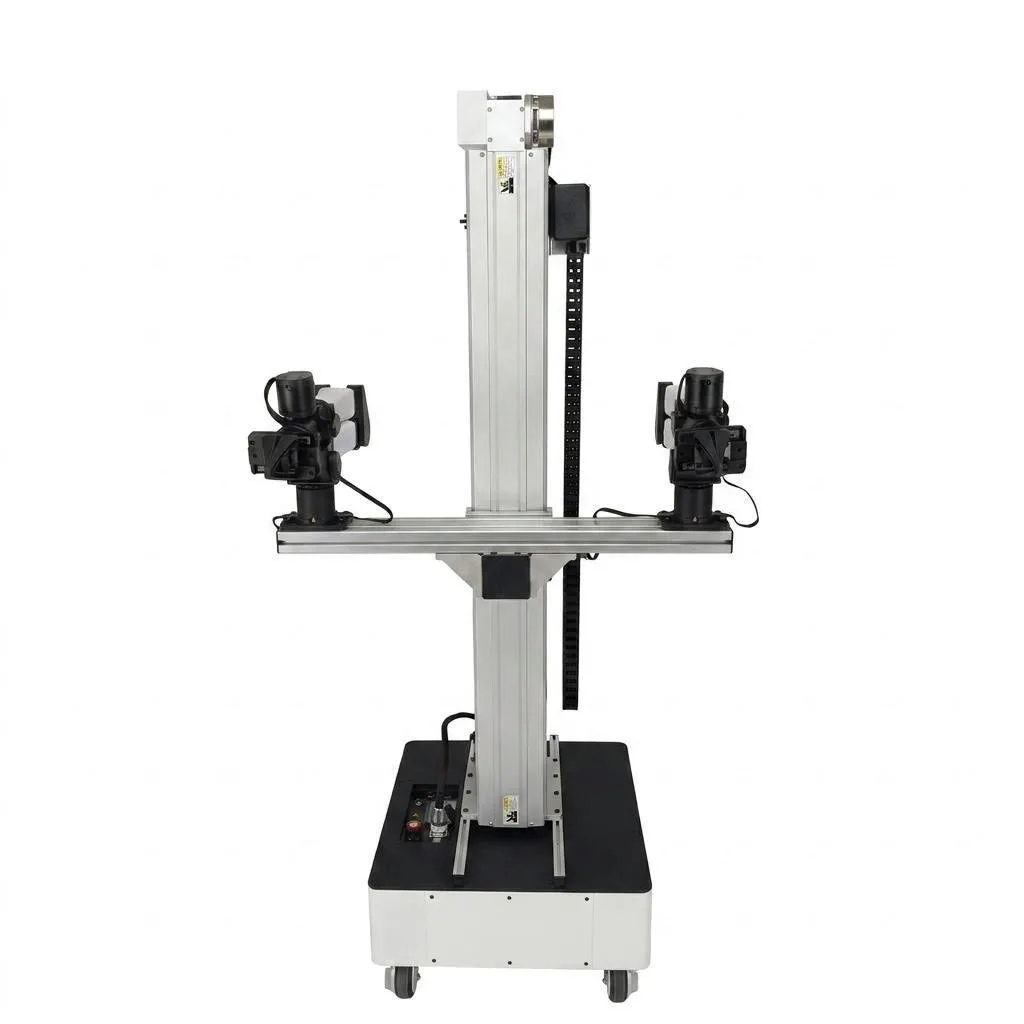
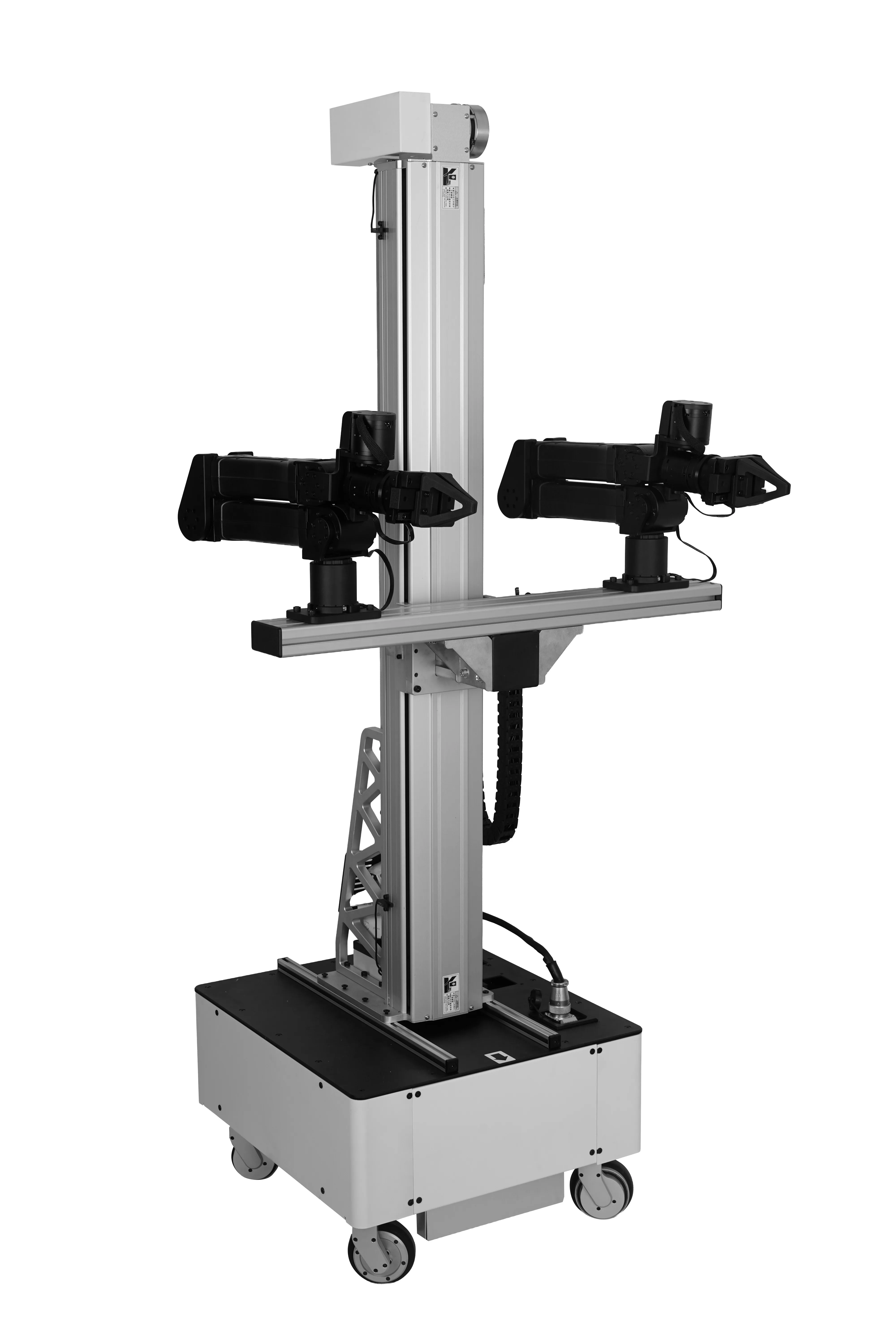
Hardware Setup
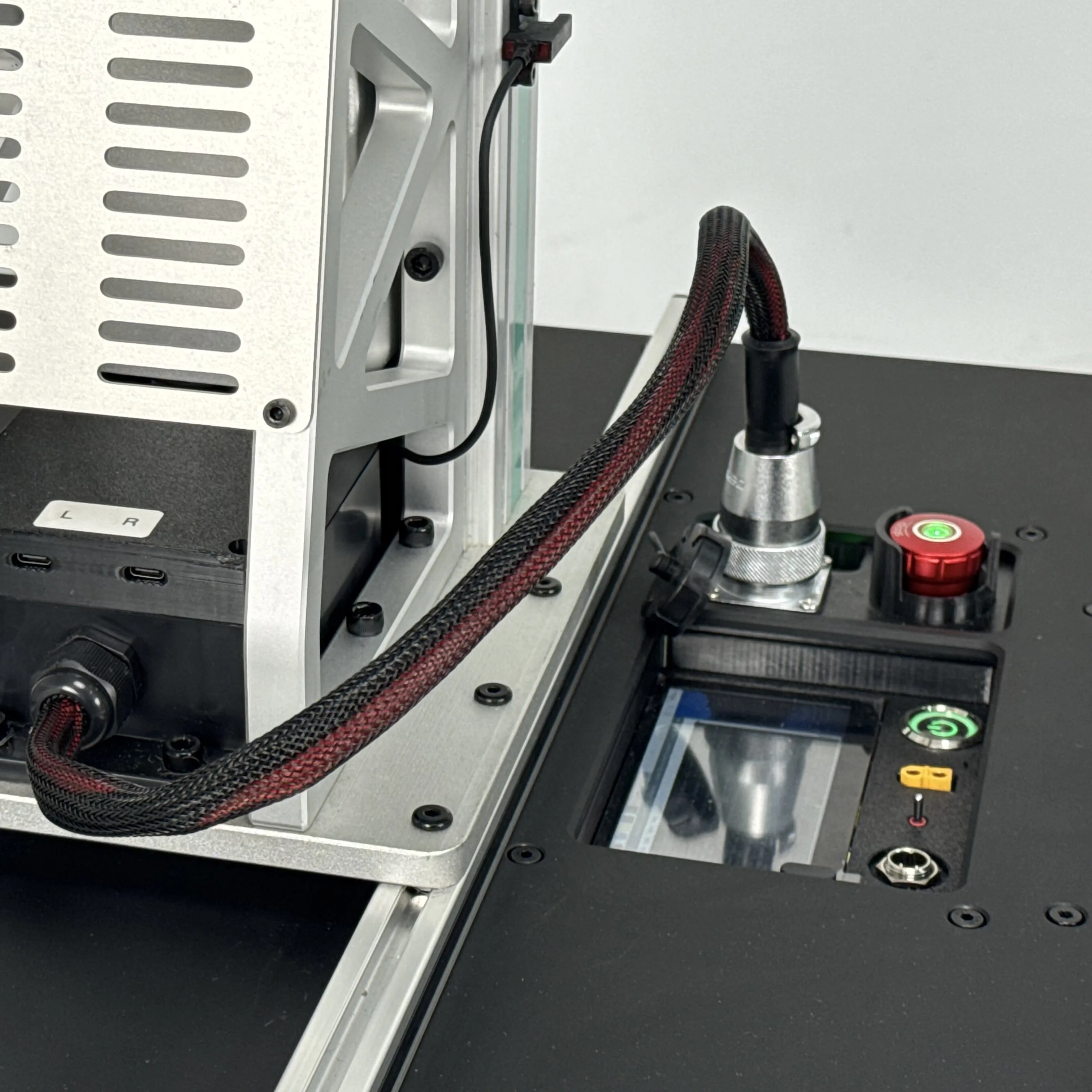
Linear Bot = Flow Base + vertical linear rail + mounted YAM arm.
Prerequisite
Finish Flow Base setup first — the chassis is identical.
1. Verify the Flow Base section works
- [ ] Battery installed, E-stop released
- [ ] CAN selector switch UP (Pi mode)
- [ ] Successfully SSH into the Pi (
ssh i2rt@172.6.2.20) - [ ] Joystick moves the base in XY
2. Linear rail homing
The vertical rail homes to its lower limit switch on boot.
- [ ] Clear the space below the rail
- [ ] Power-cycle — rail should drive down until it hits the limit, then stop
- [ ] Verify both limit switches with:bash
python i2rt/flow_base/flow_base_client.py --command get_linear_rail_state --host 172.6.2.20
3. Mount the YAM arm
- [ ] Bolt the arm to the rail carriage top plate
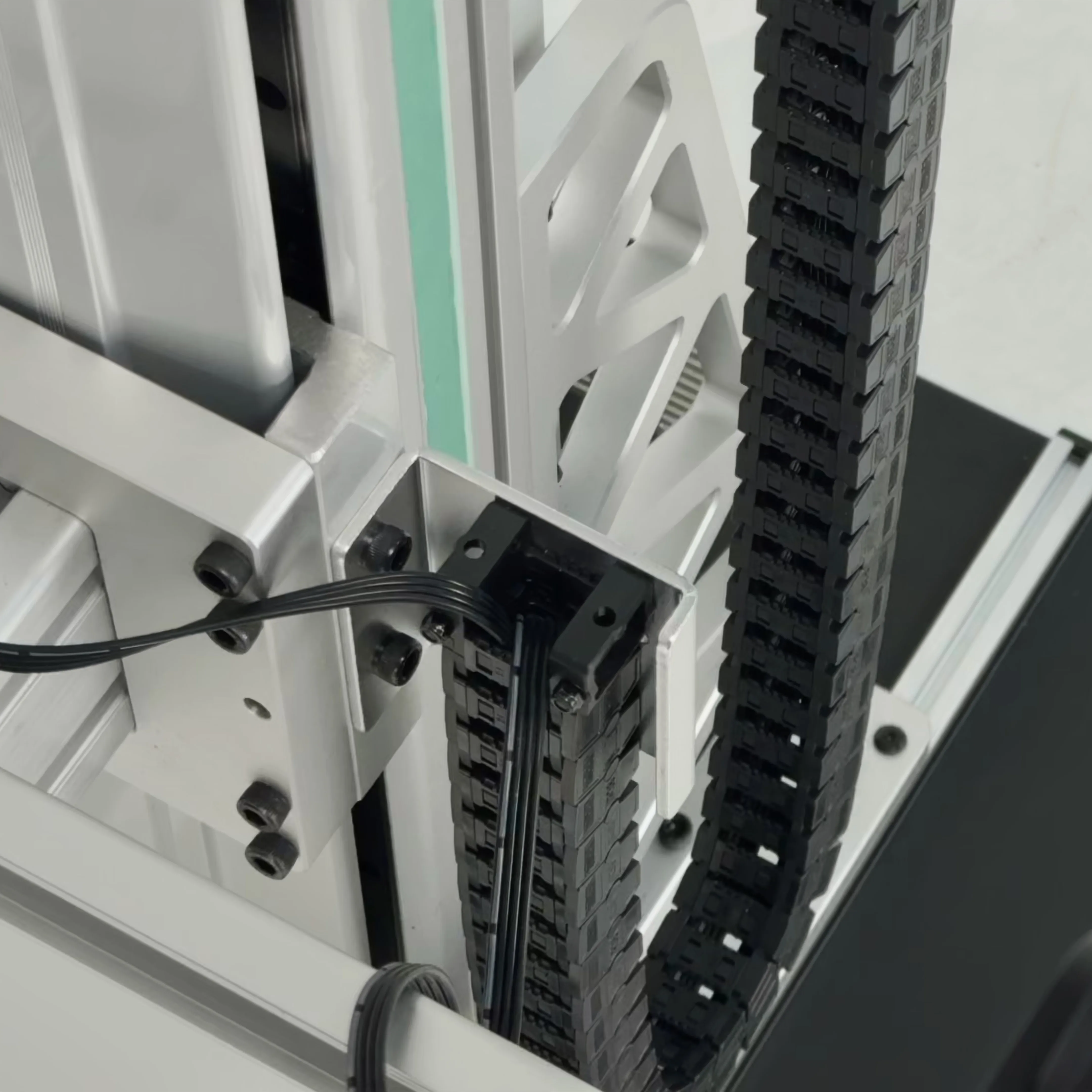
- [ ] Route the arm's CAN cable through the rail cable chain
- [ ] Connect to the on-board CANable adapter
4. Power on the arm
- [ ] Verify all CAN devices are visible from the Pi
- [ ] Test arm floating mode:bash
ssh i2rt@172.6.2.20
python i2rt/robots/motor_chain_robot.py --channel can0 --gripper linear_4310
Quick Start Demo
Drive the Flow Base, lift the rail, and command the YAM arm — all from one Python script.
1. Joystick (base + rail)
ssh i2rt@172.6.2.20
python i2rt/flow_base/flow_base_controller.py --gamepad --linear-rail --device /dev/ttyUSB0
--gamepad enables joystick input, --linear-rail enables the rail axis, and --device points at the rail's serial adapter (x86 hosts).
| Input | Action |
|---|---|
| Left joystick | Base XY translation |
| Right joystick X | Base rotation |
| Right joystick Y | Linear rail lift |
| Left2 | Override API commands |
2. Combined Python API — drive + raise rail + arm
from i2rt.flow_base.flow_base_client import FlowBaseClient
from i2rt.robots.get_robot import get_yam_robot
import numpy as np
import time

# Enable linear rail support on the client
client = FlowBaseClient(host="172.6.2.20", with_linear_rail=True)
robot = get_yam_robot(channel="can0")

# 4D velocity command: [vx, vy, theta_dot, rail_velocity]
client.set_target_velocity(np.array([0.1, 0.0, 0.0, 0.2]), frame="local")
time.sleep(2.0)

# Stop everything
client.set_target_velocity(np.zeros(4), frame="local")

# Inspect rail state
print(client.get_linear_rail_state())

client.close()
robot.close()
3. Rail-only control
client.set_linear_rail_velocity(0.5)   # m/s — raise
client.set_linear_rail_velocity(0.0)   # stop
client.set_linear_rail_velocity(-0.5)  # m/s — lower
Linear rail safety
The rail homes to the lower limit on init and has hardware limit switches. Commands time out after 0.25 s of inactivity.
Python API Reference
For the full SDK (FlowBaseClient methods, frame conventions, etc.), see the Flow Base API Reference — Linear Bot uses the same client with with_linear_rail=True.
import numpy as np
from i2rt.flow_base.flow_base_client import FlowBaseClient

client = FlowBaseClient(host="172.6.2.20", with_linear_rail=True)

# Move forward + raise rail simultaneously (must be a NumPy array)
client.set_target_velocity(np.array([0.1, 0.0, 0.0, 0.05]), frame="local")
#                                    x    y    θ    rail_vel  (m/s, m/s, rad/s, m/s)

# Get rail state
state = client.get_linear_rail_state()
print(state)
# {'position': {'motor', 'linear'}, 'velocity': {'motor', 'linear'},
#  'upper_limit_triggered', 'lower_limit_triggered', 'brake_on',
#  'initialized', 'meters_per_rad', 'eff'}

# Stop rail
client.set_linear_rail_velocity(0.0)
Important Notes
Auto-homing on init
The linear rail homes to the lower limit switch on every initialization. Ensure there is clearance below the carriage before powering on.
Stopping the rail
Always set velocity to 0.0 to stop the rail. Do not try to engage the brake directly — the system manages brake state automatically.
Pricing
Starting at $18,999. Contact sales@i2rt.com for configuration options.
See Also
- Flow Base — base-only configuration, full Flow Base SDK reference
- Linear Bot hardware setup
- Linear Bot demo
- YAM Arm Series